Every brand hits this wall eventually. You've got clean white-background shots. Your product looks good. But conversions are flat, and you're not sure why.
Here's what I've noticed after working with hundreds of ecommerce sellers: the white background shot gets the click. The lifestyle shot closes the sale. They're not competing—they're a team. But most stores only run half the lineup.
Let's look at what the data actually says, and how to fix your image strategy without burning your photo budget.
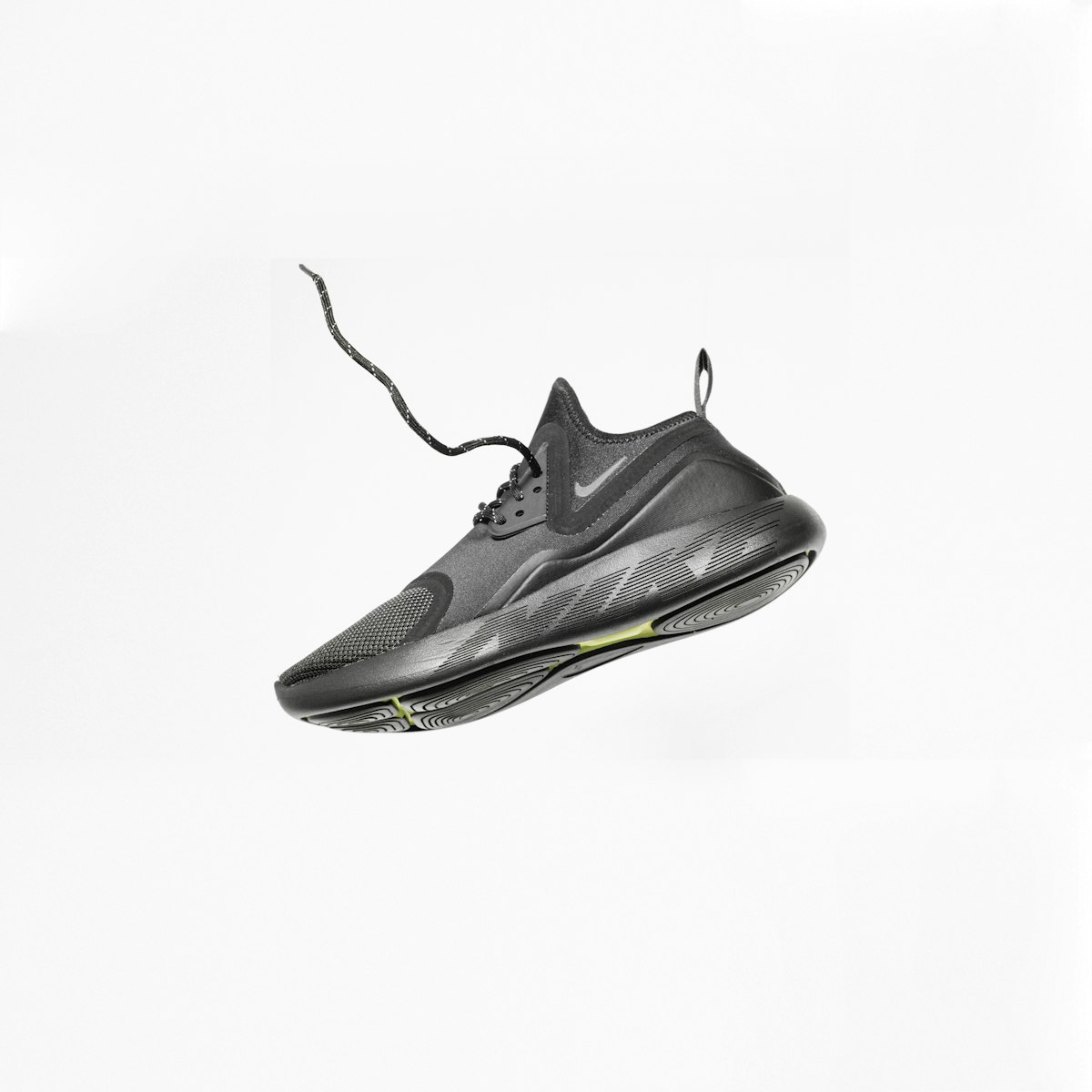
The Numbers Are Pretty Clear
Lifestyle photos alongside packshots lift conversions 15–30% compared to white-background-only listings. On Instagram and Pinterest specifically, lifestyle imagery drives 30–50% higher conversion rates than traditional product shots.
Those aren't small differences. On a store doing $50k/month, a 20% conversion lift is $10k in extra revenue—from photos.
Why the gap? White backgrounds answer the question "what is it?" Lifestyle shots answer "do I want it?" Buyers need both. Most listings only answer the first one.
H&M's internal data found that adding more front-view white-background variations had zero conversion lift. But adding lifestyle context shots, detail close-ups, and scale-reference images drove measurable engagement. They stopped adding redundant angles and started adding context. Sales went up.
When White Backgrounds Win
White backgrounds aren't going away. There are places they're literally required.
Amazon's main image must be on a white or near-white background. Google Shopping pulls your main image for ads—white backgrounds look cleaner in that grid. Marketplace search results? Pure white wins because it pops against the gray UI.
White backgrounds also do something lifestyle shots can't: they let the product speak. For commodity items where specs matter more than feeling—a USB cable, a replacement part, industrial supplies—lifestyle context doesn't add much. The buyer wants to see the thing clearly, not see it on a kitchen counter.
Where I'd use white background as the primary (or only) approach:
- Amazon main image (required)
- Google Shopping feed
- Products where color accuracy is critical (paint, fabric swatches)
- B2B/industrial products
- Items where packaging is part of the product
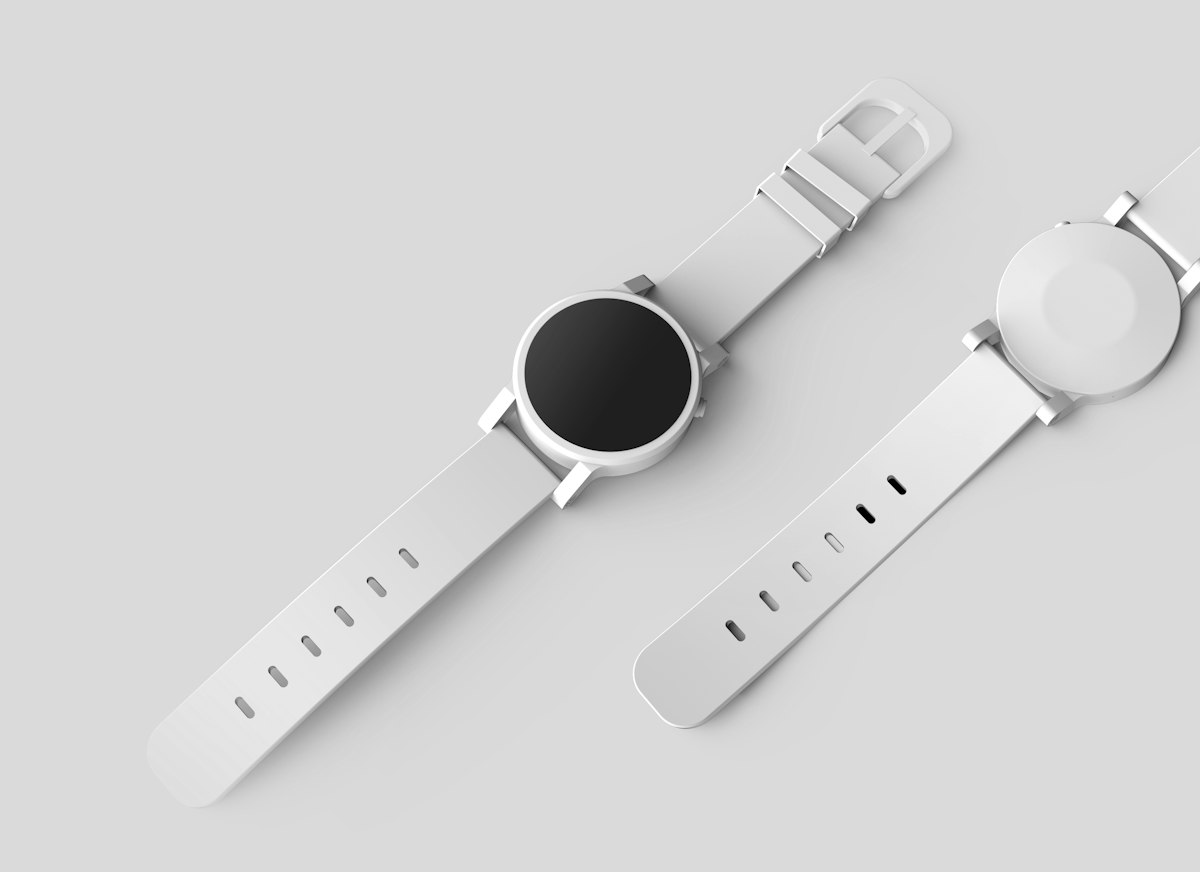
When Lifestyle Shots Win
Lifestyle imagery creates emotional connection. It answers the question buyers are actually asking: "what will my life look like with this thing in it?"
For anything aspirational—home decor, fashion, skincare, fitness gear, food products, gifts—lifestyle is where the real conversion work happens. You're not selling a candle. You're selling what a Sunday morning feels like.
We've tested this directly. For a skincare brand using adcreator.ai, swapping their 4th image slot (a redundant front-view shot) for a lifestyle scene—product on a marble bathroom counter, good light, minimal props—bumped their add-to-cart rate by 23% within two weeks. Same product. Same price. Just a better image in slot 4.
Lifestyle shots are also critical for social ads. On Meta and TikTok, white-background images look like ads and get scrolled past. Lifestyle images look like content. The algorithm rewards them too.
Where I'd prioritize lifestyle:
- Instagram/Facebook/TikTok ads (always)
- Shopify product pages (slots 2–6)
- Email campaigns
- Home goods, fashion, beauty, food/beverage, gifts
- Any product where the buyer needs to imagine using it
The Mix That Actually Works
Amazon recommends 6 images plus 1 video for a reason. Shopify's best practice is 4–6 images per product. Here's the mix I'd use:
Image 1: White background main shot. Clean, clear, full product visible. Required for most marketplaces.
Image 2: Lifestyle context shot. Product in use or in its natural setting.
Image 3: Detail/close-up. Texture, material, a feature worth highlighting.
Image 4: Scale reference. Show the product next to something familiar, or on a person, so buyers know the size.
Image 5: Second lifestyle or alternate angle.
Image 6: Infographic overlay if relevant—callouts for key features, dimensions, ingredients.
That's the full deck. Brands running all six slots consistently outperform those using two or three.
Where AI Changes the Math
Here's the problem lifestyle photography has always had: it's expensive. Traditional white-background shots run $25–75 per image. Lifestyle shoots? $100–500 per image, minimum. For a catalog with 50 SKUs, getting 4–6 lifestyle shots per product is simply not feasible.
AI product photography breaks that calculus. With adcreator.ai, you upload your product photo, describe the scene you want, and get lifestyle shots in minutes. Not hours. Not days. Minutes.
I've seen brands go from 2 images per product to 6 in a single afternoon. They pick the best two and A/B test. The ones that win stay. The others go. It's the kind of iteration that was impossible when each shot cost $300 and took a week to schedule.
For Shopify sellers specifically, this means you can actually follow the 4–6 image best practice without hiring a photographer. For Amazon sellers, you can fill all 7 image slots—including the A+ content—with a mix of clean packshots and lifestyle scenes generated from your existing product photos.

What to Test First
If you're not sure where to start, here's what I'd do:
Pick your top 5 products by traffic. These have the most to gain from image improvements.
Add one lifestyle image to each. Just one. Slot 2 or 3. See what happens to add-to-cart rate over 2 weeks.
Run the A/B test. If you're on Shopify, you can swap images with a theme edit and track add-to-cart in analytics. Check out our guide to A/B testing product photos for the exact setup.
Scale what works. Once you know lifestyle shots move the needle on your store specifically, you can justify doing it across the whole catalog.
For Amazon specifically, check out how to fill all 7 image slots with AI-generated photos—there's a specific strategy for which image types go in which slots.
And if you're running Shopify, the complete Shopify product photo guide covers how to structure your gallery for maximum conversion.
The Short Version
White backgrounds don't lose to lifestyle shots. They work together. The brands winning right now aren't choosing one or the other—they're running both, covering all image slots, and iterating based on data.
The only reason most stores don't do this is cost. AI removes that excuse.
Your products deserve to be shown in their best context. Start with your top 5 SKUs, add one lifestyle image each, and watch what happens to your numbers.