Jewelry sellers have one of the hardest photography problems in ecommerce. You're selling something tiny, reflective, and deeply emotional -- and you need one photo to do all three jobs at once.
I've worked with a lot of jewelry brands over the years, and the pattern is always the same: they spend $400-800 on a studio shoot, get 20 usable photos, and six months later when they launch a new collection or want seasonal campaign assets, they're starting from scratch. The photos don't match the new stuff. The backgrounds are different. And they can't afford to reshoot everything.
AI product photography changes that math. Here's the actual workflow, and what makes jewelry different from every other product category.
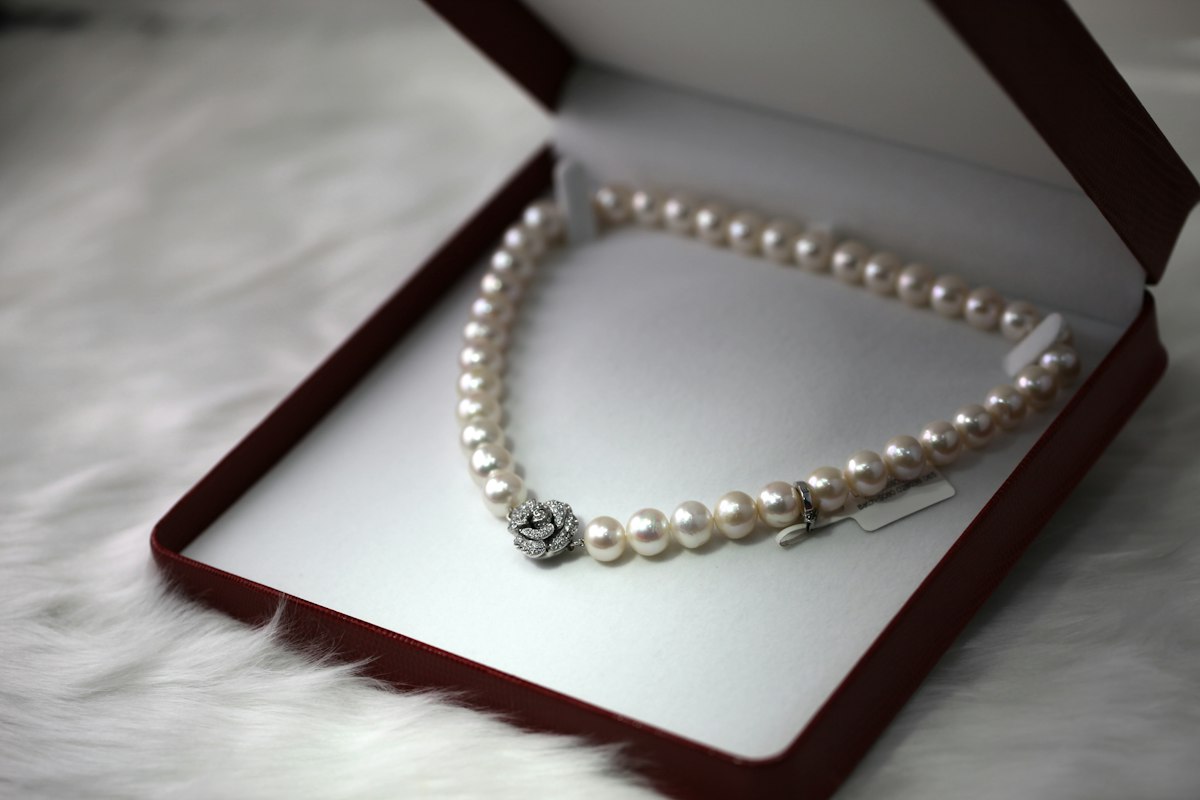
Why Jewelry Is Uniquely Difficult
Jewelry photography has three problems that most other products don't have:
Reflection and glare. Metal reflects light from everywhere. A ring shot under bad lighting looks flat and dead. A necklace shot at the wrong angle can look silver when it's actually gold. Traditional studio photography for jewelry requires a specialized setup -- diffusion panels, specialized ring lights, controlled bounce. It's not something you can fake.
Scale. A pendant ring looks completely different at 1cm vs. 3cm. But photos don't communicate size on their own. This is a huge driver of jewelry returns -- customers buy something thinking it's substantial and it shows up looking like a toy. Good product photography solves this with context: a hand, a neckline, a measuring reference.
Emotion. Jewelry isn't purchased because it's functional. It's purchased because of how it makes someone feel. A plain white background shot can sell a $20 necklace. It won't sell a $200 one. You need lifestyle context that creates aspiration.
AI handles all three of these now -- but you need to know how to set it up correctly.
The 3-Shot Formula That Actually Works
After testing hundreds of jewelry product images, here's what converts best:
Shot 1: Clean hero shot. White or light gray background, perfect lighting, no distractions. This is your Amazon main image, your Google Shopping thumbnail. The AI does a surprisingly good job with this when you give it a clean product photo with decent lighting to start. Even a phone shot in good natural light works as input.
Shot 2: On-model or on-skin context. A ring on a hand, a necklace against a collarbone, earrings beside a face. This communicates scale and creates the emotional pull. We've seen this shot consistently outperform the hero shot on Instagram and Pinterest by 30-40% on click-through. AI-generated on-model shots have gotten genuinely good -- the key is using reference images that match your brand's aesthetic.
Shot 3: Lifestyle scene. The jewelry in context: on a marble surface beside coffee, in a velvet box on a wooden table, hanging off a mirror in soft morning light. This shot does the "gift-worthy" signaling. It's the one that makes people buy for someone else. AI can generate these in seconds once you have a clear scene description.
For most jewelry brands, these three shots per product is the baseline. If you want to run seasonal campaigns, you add a fourth: a holiday or occasion-specific variation.
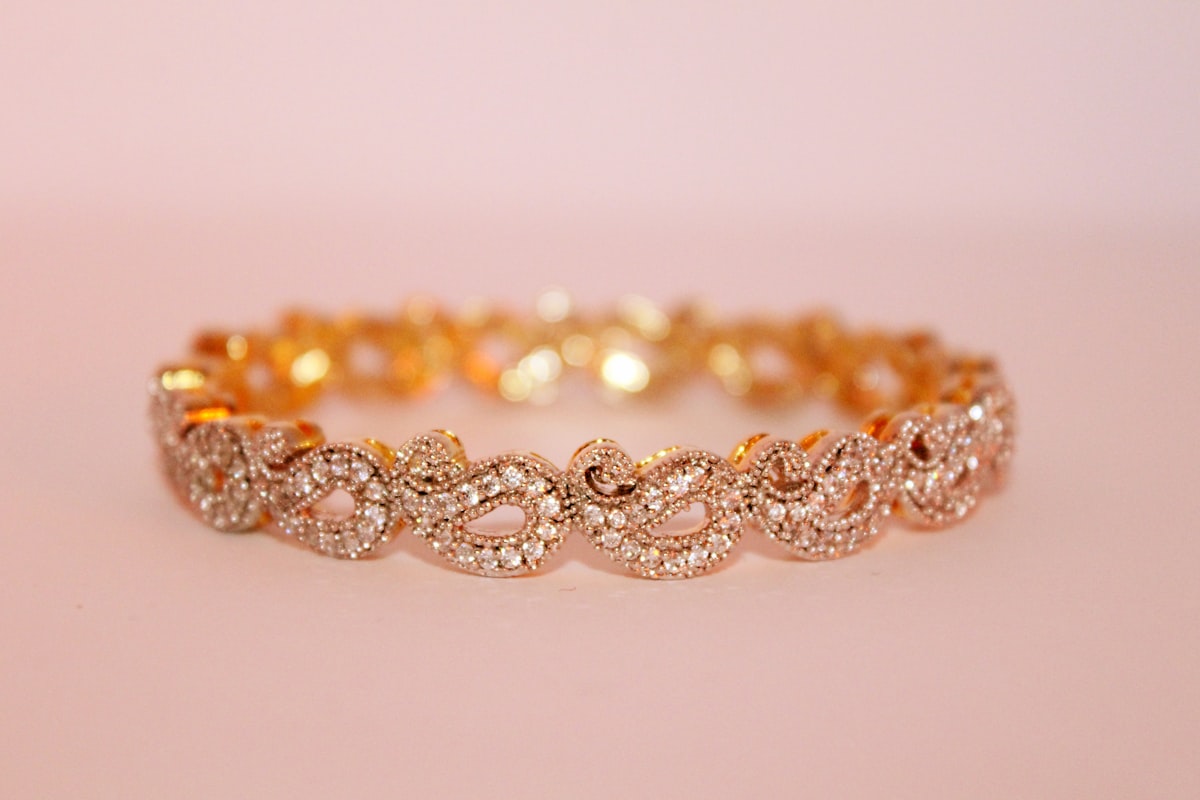
How to Get AI to Nail Reflective Metals
This is where most people get frustrated and give up. They feed a raw product photo into an AI tool and the metal looks flat, the shadows are wrong, and the whole thing looks fake.
Here's what actually works:
Start with a sharp, well-lit input photo. AI enhances what's there -- it doesn't fix genuinely bad photography. If your source image is blurry or the lighting is completely wrong, you'll get a bad output. Take your source photo near a window with natural diffused light, not direct sun. A $30 diffusion panel from Amazon helps a lot.
Specify the metal type in your prompts. "Yellow gold," "sterling silver," "rose gold" -- be explicit. Generic prompts get generic results. The model needs to know what it's working with to handle reflectivity correctly.
Avoid complex backgrounds with lots of reflection sources. A marble surface works. A window-lit room with multiple light sources competing will confuse the reflections on the metal. Keep backgrounds simple and clean, especially for hero shots.
Use the same background/scene settings across your whole collection. This is the huge win for AI. Once you find a scene setup that works -- marble surface, morning light, slight shadow to the right -- you can apply it to every single product in your catalog in an afternoon. Your entire collection looks like it was shot in the same studio on the same day. That consistency alone is worth it.
What About Diamonds and Gemstones?
Gemstones are even trickier than metal because sparkle doesn't render well unless you set it up right. A diamond that looks incredible in person will look like a piece of glass in a flat photo.
The trick is: don't try to capture sparkle in your input photo. Instead, use AI to add the sparkle back in post. Most good AI product photo tools have options for "brilliance" or "sparkle enhancement" for jewelry. Use them. The alternative -- trying to get the refraction right in a photo -- requires a specialized light painting setup that takes an experienced photographer hours.
For colored gemstones (emeralds, sapphires, rubies), color accuracy is the priority. Feed the AI a clear reference of the actual gemstone color and check the output carefully. AI will sometimes shift gem colors toward what looks "prettier" rather than what's accurate. Accuracy wins in ecommerce -- returns from color mismatch are brutal.
Seasonal Campaigns in an Afternoon
Here's where this gets really valuable. Valentine's Day, Mother's Day, holidays -- jewelry is one of the top gift categories for every one of these moments. But creating seasonal campaign assets traditionally meant another shoot, another $500-1,000, and three weeks of lead time.
With AI, you're taking your existing product photos and generating scene variations. The same gold necklace that lives on a marble background for your catalog can sit on red velvet with holiday gift wrap for December, on a pastel surface with florals for Mother's Day, on a rustic wood surface for a fall campaign. You're not reshooting anything -- you're just changing the context.
I've seen jewelry brands cut their seasonal campaign costs from $2,000+ per campaign down to under $50. And they're producing more creative variations than they ever did before, which means more assets to test.
If you're running Etsy or an independent Shopify store, this is your biggest competitive advantage right now. The big jewelry brands have always had the photography budget. You have the AI tools. Use them.
For a good framework on testing which images actually drive sales, check out our guide on A/B testing product photos with AI -- the principles apply directly to jewelry.
The Consistency Play
The most underrated thing about AI product photography for jewelry brands isn't the individual photos -- it's catalog consistency.
Go look at your product listings right now. I'll bet your photos were taken at different times, with different backgrounds, different lighting, different zoom levels. It looks like five different stores duct-taped together. That's what customers see.
Consistency signals brand quality. It signals that someone cares. For jewelry -- a category where trust is everything -- visual consistency matters more than almost any other product type.
AI lets you rebuild your entire catalog with a consistent look. Same background treatment, same lighting direction, same composition style. We've seen brands see conversion rate improvements of 15-25% just from going through this process, without changing anything else.
If you're managing a large catalog and want a framework for tackling this at scale, this guide on handling 100+ SKUs with AI photography covers the batching and consistency workflow in detail.
Where to Start
If you're a jewelry seller and you've never tried AI product photography, here's the exact starting point:
- Pick your three best-selling products
- Take fresh input photos: clean background, good natural light, sharp focus
- Generate a hero shot, an on-model shot, and one lifestyle scene for each
- Compare them to what's on your site now
- Update your listings and watch what happens to click-through and conversion
Don't try to do your whole catalog first. Prove it works on three products, see the results, then scale.
Jewelry is one of the categories where AI product photography has the clearest ROI. The photography costs are high, the seasonal demand is real, and catalog consistency matters enormously. The brands figuring this out now are pulling ahead of competitors who are still booking studio time.
Give adcreator.ai a try -- upload a product photo and see what it can do in under two minutes.